
anyui-LIVE
Web-based LVGL editor, workspace, and code generator for product-grade delivery
Live Rendering
Design with live LVGL widget rendering in the editor so the canvas stays aligned with the final runtime output.
Cross-Platform
Run anyui-LIVE in the browser on Windows, macOS, or Linux without installing a desktop application.
Workspace Management
Organize product work as independent projects with their own screens, components, resources, and configuration.
Efficient Designing
Build interfaces with a drag-and-drop canvas, alignment guides, and a focused inspector workflow.
Flexible Screen Size
Design against configurable screen sizes while preserving a reliable preview of the target display layout.
Dynamic LVGL Switch
Switch between different LVGL runtime versions at runtime without redoing the design.
Live Preview
Validate layout and interaction behavior in preview mode before exporting generated output.
Code Generation
Export self-contained LVGL-oriented source output from the current workspace and design state.
Portable Output
Keep generated UI code independent from specific hardware and toolchains for easier transplantation.
🚀 Early access of anyui-LIVE is available! Try now
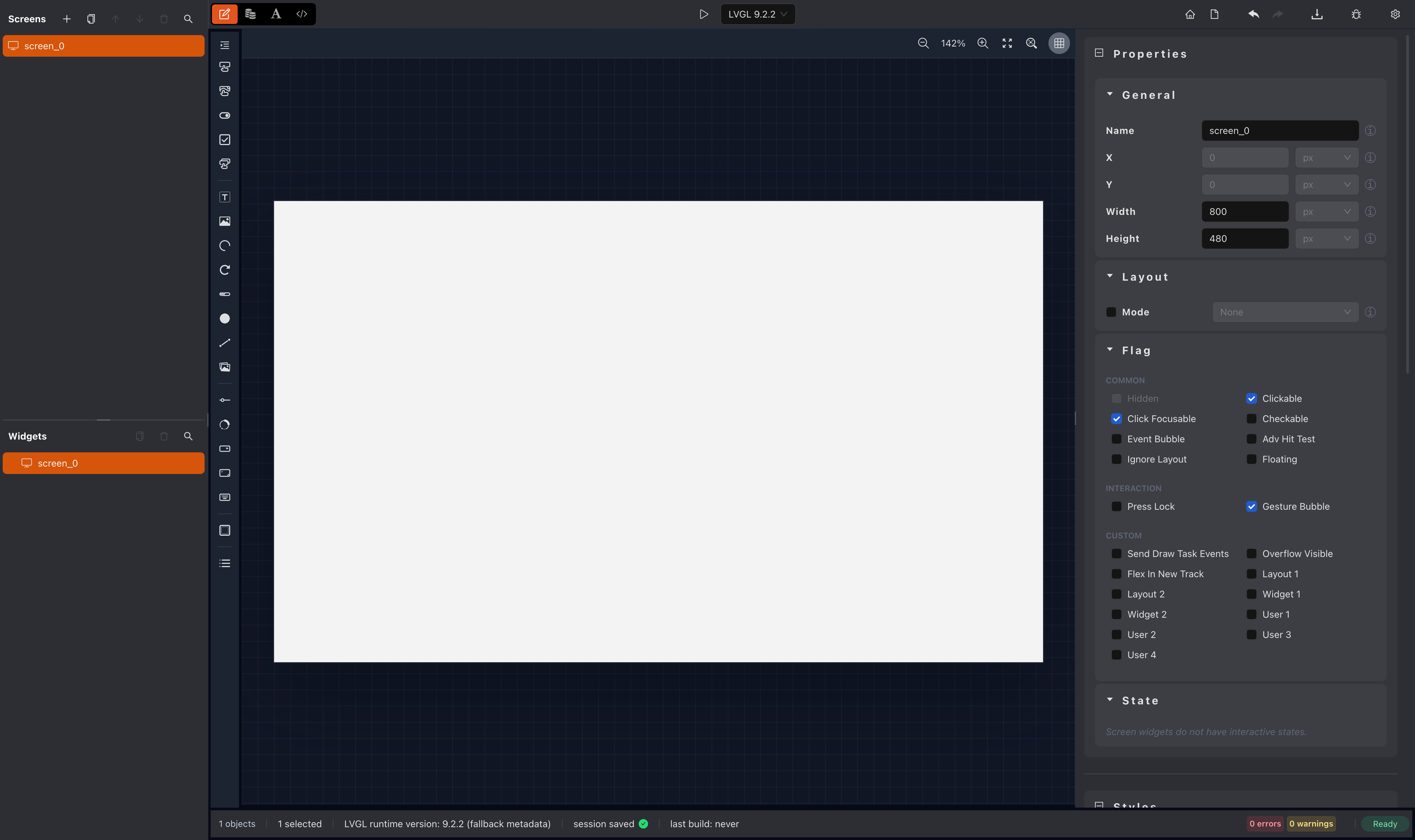
Overview
anyui-LIVE is a web-based visual environment for LVGL product delivery. It combines project workspace management, a live editor, preview tooling, and code generation so teams can move from UI design to deployable output inside one product-focused workflow.
Core Capabilities
- Project-Centered Workflow: Create and manage isolated projects with dedicated screens, resources, and output directories
- Live Visual Editing: Design widgets on a canvas with immediate LVGL rendering feedback and inspector-driven configuration
- Integrated Preview: Check visual behavior and interaction flow before exporting code for the target device
- Production-Oriented Output: Generate portable source artifacts designed to stay independent from specific hardware toolchains
- Focused Documentation Path: Follow product-specific guidance for workspace setup, editor usage, assets, code generation, and transplantation
Get started with anyui-LIVE to set up a workspace, open the editor, and generate product-ready LVGL output.
Contact Us

Cooperation

WeChat Group

QQ Group

Subscribe