anyuianyui
Home
Getting Started
Documentation
Download
Feedback
  • English
  • 简体中文
Home
Getting Started
Documentation
Download
Feedback
  • English
  • 简体中文
  • Setup

    • Installation
  • Core Concepts

    • Introduction
    • Design
    • Hide and Lock
    • Resource Management
    • Flag and State
  • Higher Order Component

    • State Button
    • Label Slider
    • Value Slider
    • Check Group & Radio Group
    • StatusBar
    • NavigateBar
    • Drawer
  • Animation

    • Widget Animation
    • Screen Load Animation
    • GIF Animated Image
    • Lottie Animation
  • Advanced Features

    • Layout
    • Use External Image File as Source
    • Template Component
    • Global Components
    • Screen Management
    • Communication Commands and Events
  • Development

    • Build Mode
    • Code Transplant
  • Technical Support

    • FAQ

Widget Animation

anyui provides a unified animation management system for all widgets.

Users can create, manage, and apply animations to widgets through this centralized animation management interface.

Widget Animation Management

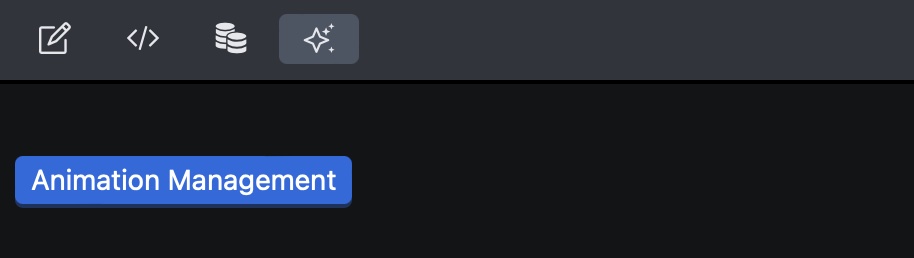
  • Navigate to Animation in the toolbar to access the animation management interface, then switch to the Widget Animation tab.

Animation Management

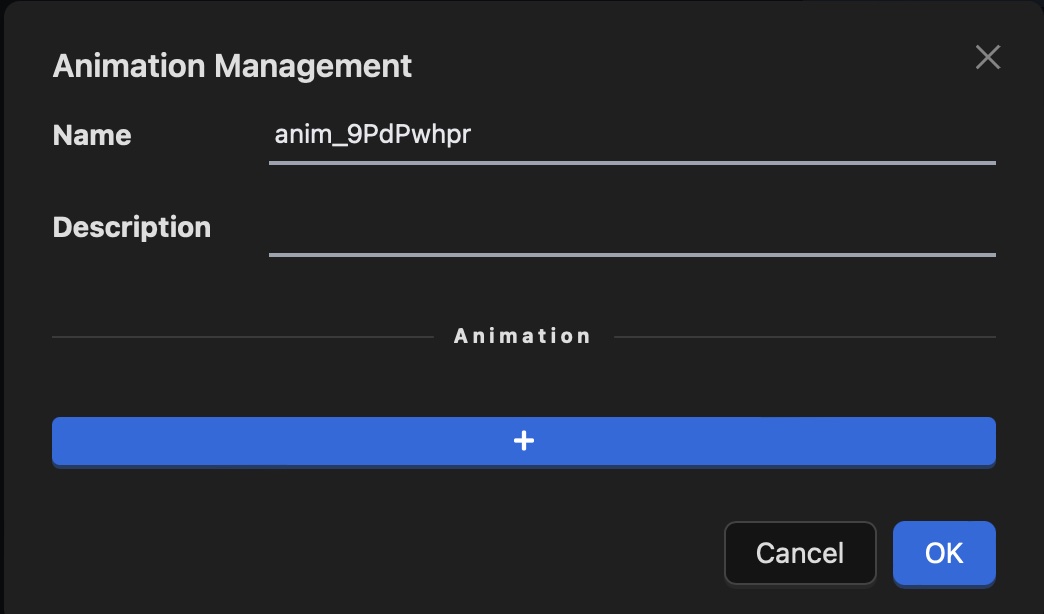
  • Create a new animation.

Add Widget Animation

Assign the animation a descriptive name and optional description for better organization.

  • Edit animation properties.

Users can further customize the animation properties as needed.
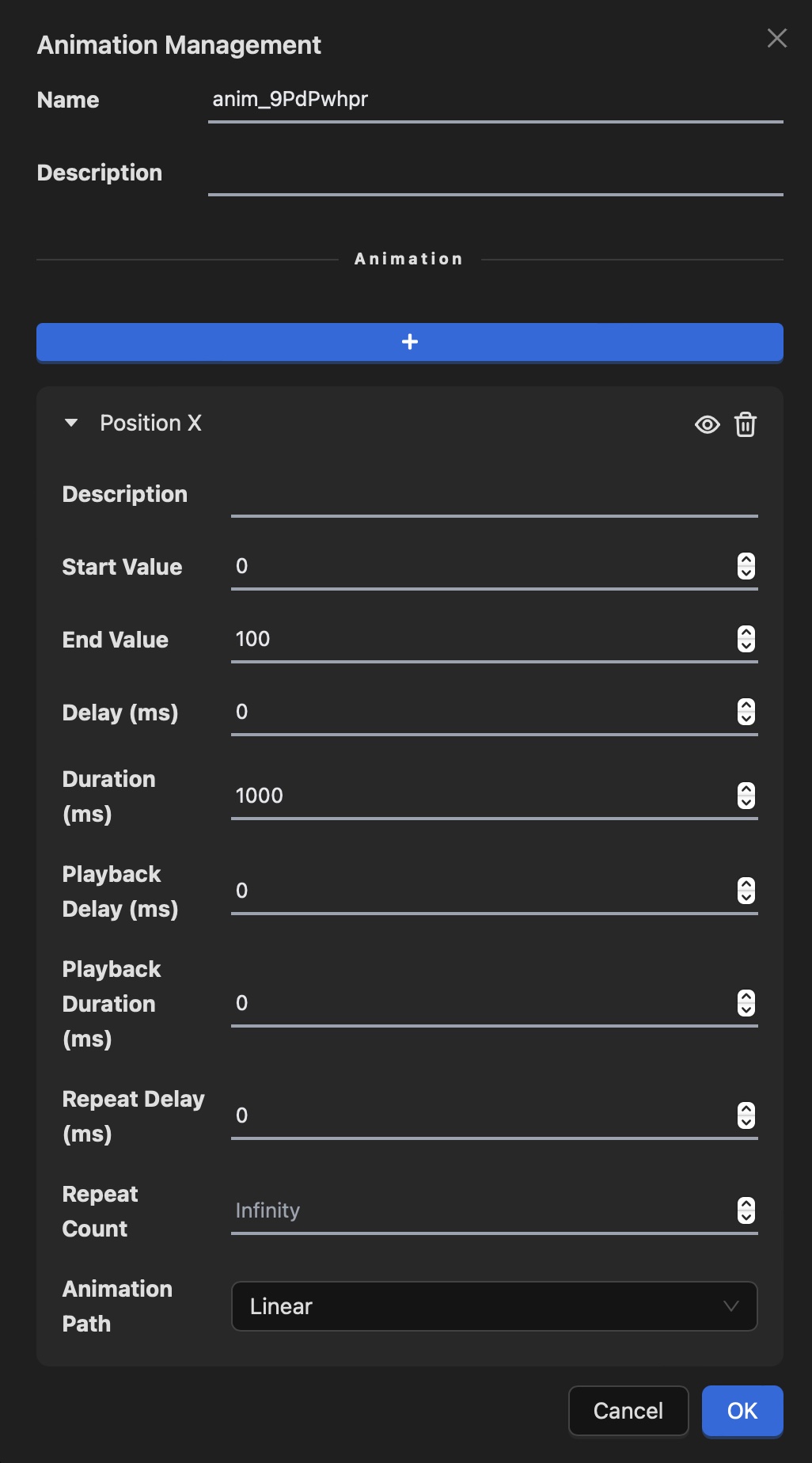
Edit Widget Animation

  • View animation management overview.

After creating animations, users can view the complete animation management interface to organize and manage all created animations.

Overview Widget Animation

  • Apply animations to widgets.

Users can now apply the created animation to a widget through the "action" or "event" configuration.

Apply Widget Animation

Apply Widget Animation2

Next
Screen Load Animation