
Overview
Global components are reusable components that maintain consistent appearance and behavior across an entire application. Modifications to global components are automatically propagated to all instances throughout the project. A typical implementation is a status bar that appears uniformly across all screens.
Global Status Bar
The Global Status Bar functions similarly to the Status Bar in the Higher Order Component category. The primary distinction is that the Global Status Bar maintains project-wide consistency, with any modifications automatically applied to all instances.
Enable Global Status Bar
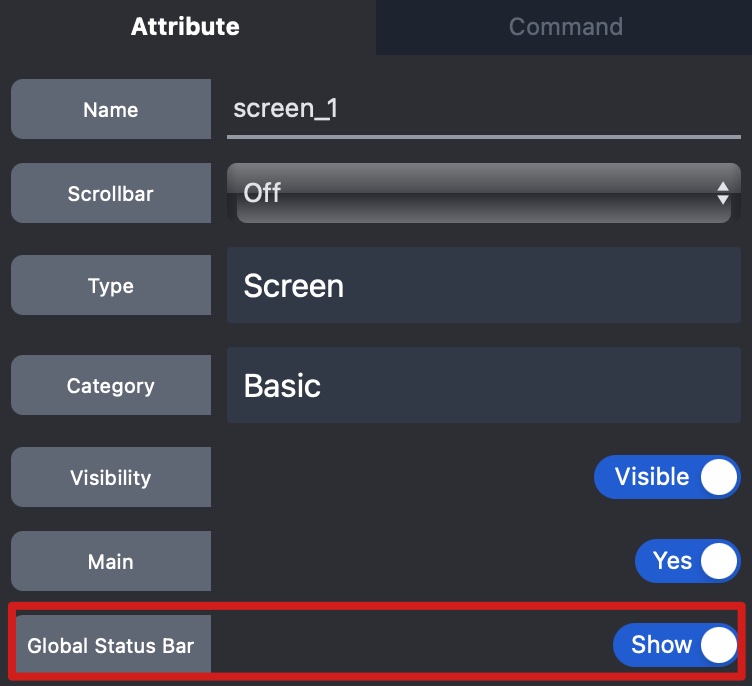
To enable Global Status Bar:
- Access the screen's attribute panel
- Enable the
Global Status Baroption
Global Component View
To edit Global Status Bar:
- Go to menu:
View->Global Component - Enter the edit view for global status bar, then you can edit the status bar's appearance.